Table of Contents
ToggleRoomba Stuck? Troubleshooting and Prevention
iRobot’s Roomba has revolutionized home cleaning, offering a convenient and efficient way to maintain spotless floors. However, like any machine, Roombas can occasionally encounter obstacles, leading to frustrating situations where they become stuck.
In this in-depth guide, we’ll explore the common reasons behind Roomba getting stuck and provide practical solutions to keep your robotic vacuum running smoothly.
Common Reasons Why Your Roomba Gets Stuck
1. Obstacles in the Path
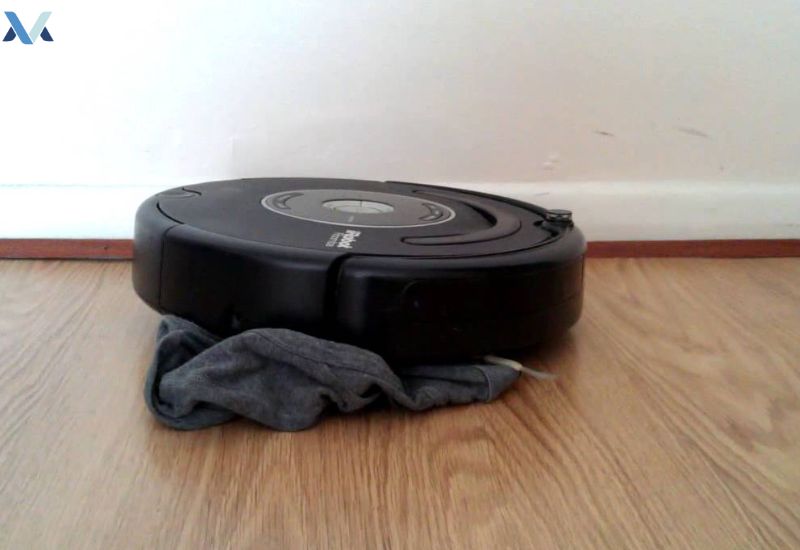
- Cords and Cables: Loose cables and cords can easily tangle the Roomba’s wheels or brushes, causing it to halt.
- Small Objects: Toys, pet toys, and other small items can obstruct the Roomba’s path and prevent it from navigating effectively.
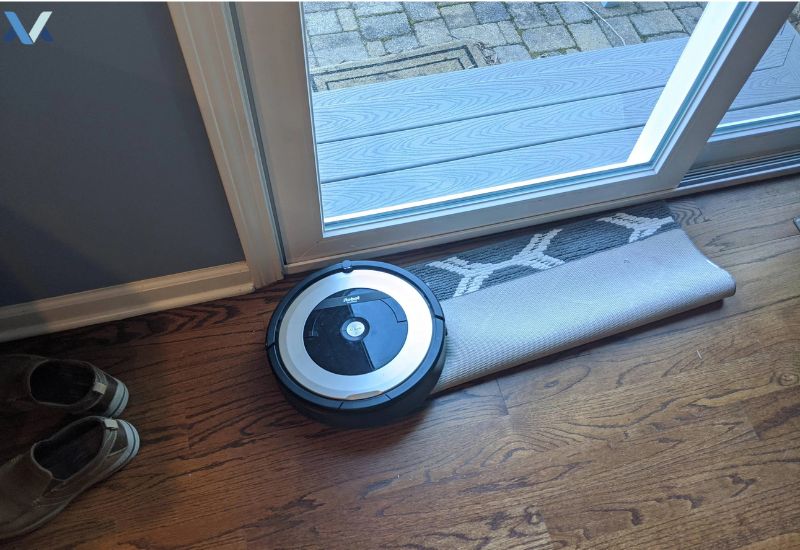
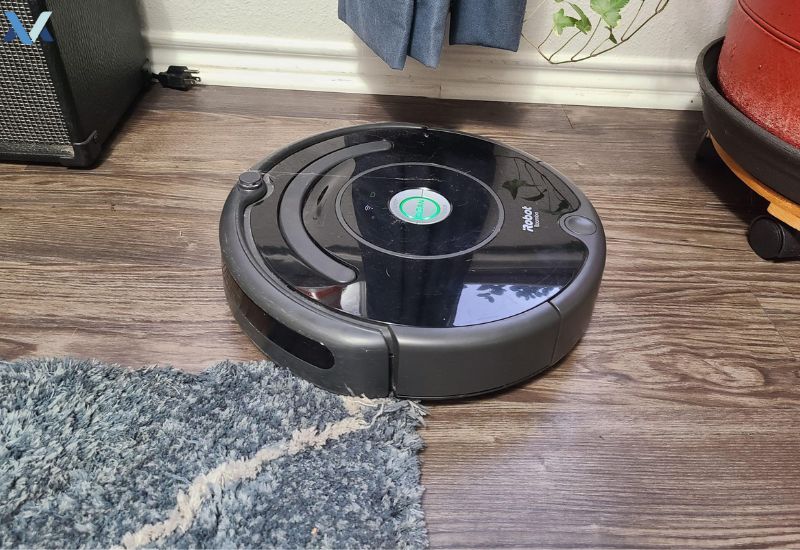
- Uneven Surfaces: Uneven floors, rugs with fringes, or thresholds can pose challenges for the Roomba’s sensors and wheels.
2. Software Glitches and Navigation Errors
- Outdated Firmware: Outdated software can lead to various issues, including navigation problems.
- Sensor Malfunctions: Dust and debris can accumulate on the Roomba’s sensors, affecting its ability to perceive its surroundings.
- Wi-Fi Connectivity Issues: A weak Wi-Fi signal can disrupt the Roomba’s communication with the app and home base.
3. Battery Issues
- Low Battery: A low battery can limit the Roomba’s cleaning time and reduce its ability to navigate efficiently.
- Battery Degradation: Over time, the Roomba’s battery may degrade, affecting its performance and runtime.
Troubleshooting Tips to Keep Your Roomba Moving
1. Clear the Path
- Regularly inspect your home for potential obstacles: Remove any cords, cables, or small objects that may hinder the Roomba’s movement.
- Tidy up: Ensure that your floors are free of clutter to prevent the Roomba from getting stuck.
2. Update the Firmware
- Check for software updates: Regularly check the iRobot app or website for the latest firmware updates.
- Follow the instructions: Update the firmware as directed to improve the Roomba’s performance and address known issues.
3. Clean the Sensors
- Use a soft cloth: Gently wipe the sensors to remove dust and debris.
- Avoid using harsh chemicals: Clean the sensors with a dry cloth or a slightly damp cloth.
4. Calibrate the Robot
- Reset the home base: Place the home base in a clear, open area and reset it according to the instructions.
- Re-calibrate the Roomba: Follow the specific calibration procedure for your Roomba model to ensure accurate navigation.
5. Adjust Cleaning Schedules
- Avoid peak traffic times: Schedule cleaning sessions when there are fewer people and pets in the home.
- Optimize cleaning patterns: Experiment with different cleaning modes and schedules to find the best settings for your home.
6. Consider Virtual Barriers
- Use virtual walls or no-go lines: Create virtual boundaries to restrict the Roomba’s access to certain areas.
- Place virtual walls strategically: Use virtual walls to prevent the Roomba from getting stuck in tight spaces or near fragile items.
User Reviews and Experiences
Common causes of Roomba navigation issues include rugs, cords, furniture legs, cluttered floors, and sensor-related problems.
Some users have reported software glitches that cause the Roomba to become disoriented and unable to find its way back to the home base. However, many users have also praised the Roomba’s ability to navigate complex environments and efficiently clean their homes.

Expert Opinions and Recommendations
Regular maintenance, software updates, and proper use of virtual barriers can help reduce navigation issues and improve cleaning performance.
They also recommend choosing the right Roomba model for your specific needs, considering factors such as floor type, room size, and the presence of pets. Read more: Roomba No Suction Power: Troubleshooting Guide and Tips
Conclusion
By understanding the common reasons why Roombas get stuck and implementing the troubleshooting tips outlined in this guide, you can minimize these issues and maximize the performance of your robotic vacuum.
Remember, regular maintenance, software updates, and careful attention to your home environment are key to keeping your Roomba running smoothly and efficiently.
Still having trouble? Compare current models in our robot vacuum buying guide to see which ones handle obstacles best.
FAQs
There are several common reasons why your Roomba might be getting stuck:
- Obstacles in its path: Cords, cables, toys, or other debris can obstruct the Roomba’s path.
- Uneven surfaces: Rugs with fringes, uneven floors, or thresholds can confuse the Roomba’s sensors.
- Software glitches or navigation errors: Outdated firmware or sensor malfunctions can lead to navigation problems.
- Battery issues: A low battery can limit the Roomba’s cleaning time and reduce its ability to navigate effectively.
Many Reddit users have shared effective tips to prevent their Roombas from getting stuck:
- Clear the path: Regularly inspect your home for potential obstacles and remove any clutter.
- Update the firmware: Ensure your Roomba’s software is up-to-date to address known issues.
- Clean the sensors: Use a soft cloth to gently clean the sensors and improve their accuracy.
- Calibrate the robot: Reset the home base and re-calibrate the Roomba to optimize its navigation.
- Adjust cleaning schedules: Avoid scheduling cleaning sessions during peak traffic times.
- Use virtual barriers: Create virtual walls or no-go lines to restrict the Roomba’s access to certain areas.
The lifespan of a Roomba can vary depending on factors like usage, maintenance, and battery life. However, with proper care and maintenance, a Roomba can typically last for several years.
To prevent your Roomba from getting stuck under cabinets:
- Measure the clearance: Ensure there’s sufficient clearance between the bottom of the cabinet and the floor.
- Use virtual barriers: Create virtual walls to restrict the Roomba’s access to areas with low clearance.
- Adjust the cleaning schedule: Schedule cleaning times when there’s less activity under cabinets, such as during the day when people are not typically in the room.
Here are some tips to prevent your Roomba from getting stuck under furniture:
- Clear the area: Remove any items or clutter that might obstruct the Roomba’s path.
- Use furniture lifting devices: Consider using furniture lifting devices to create more clearance for the Roomba.
- Adjust the cleaning schedule: Schedule cleaning times when there’s less furniture in the way, such as when you’re not using certain rooms.
- Use virtual barriers: Create virtual walls to prevent the Roomba from entering areas with low clearance or where it’s likely to get stuck.
By following these tips and addressing common issues, you can significantly reduce the chances of your Roomba getting stuck and ensure a smooth cleaning experience.