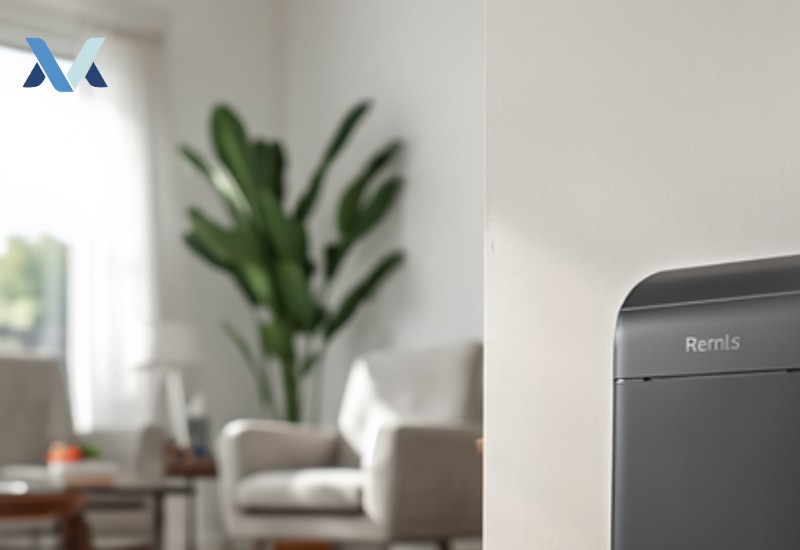
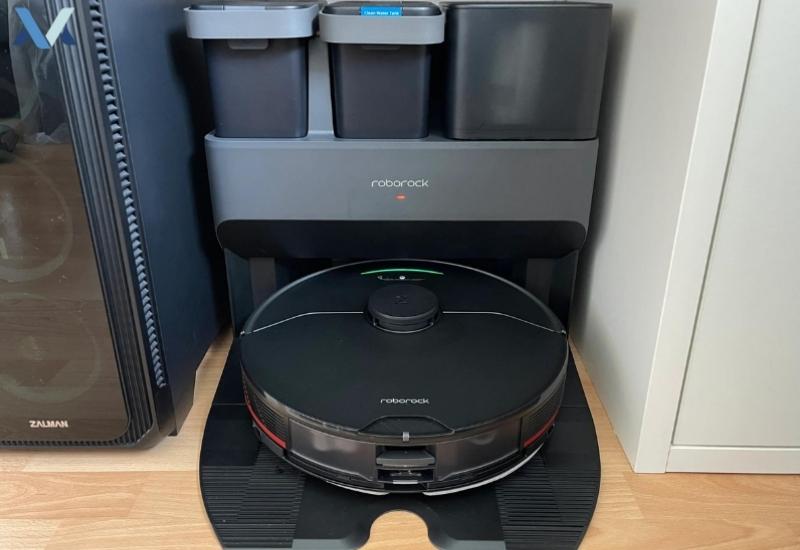
The Roborock S7 MaxV Ultra is one of the more capable self-emptying robot vacuums on the market, but its auto-empty dock is also the single most failure-prone part of the whole system—more moving parts, more seals, more things that can get blocked. If yours has stopped emptying the dustbin, the good news is that the vast majority of cases come down to one of five causes below, and none of them require a repair.
A note on sourcing: these steps are compiled from Roborock’s official support documentation and the patterns reported most often across verified owner reviews for this model—we don’t run an in-house test lab, and we say so plainly per our Editorial Policy. If a step doesn’t match what you’re seeing, Roborock’s in-app diagnostics or live support chat is the fastest way to confirm a hardware fault.
Table of Contents
ToggleQuick Diagnosis: Match Your Symptom to the Likely Cause
| What you’re seeing | Most likely cause | Fix it in |
|---|---|---|
| Robot docks but the dustbin never triggers | Dustbin or dock port blockage | 2 minutes |
| Emptying starts, then stops halfway with an error tone | Water tank full, or dust bag full | 2 minutes |
| Robot won’t even approach the dock | Dock placement or path obstruction | 5 minutes |
| Works sometimes, fails randomly | Outdated firmware | 10 minutes |
| None of the above helps | Dock motor/seal fault | Contact support |
Step-by-Step Troubleshooting Guide
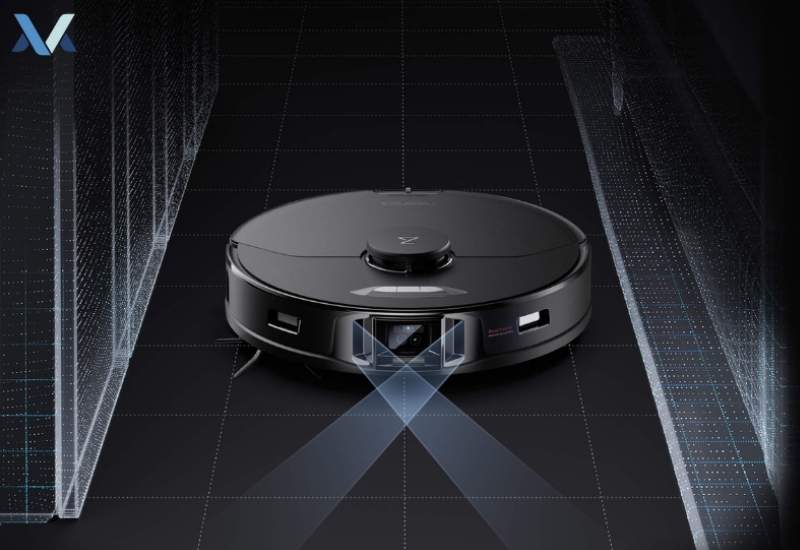
Clear blockages first
This is the most common cause by a wide margin. Remove the dustbin and check three spots: the dustbin’s own intake flap for tangled hair or debris, the dock’s suction port (a flashlight helps here — it’s a dark, narrow opening), and the floor path between the robot’s parking spot and the dock. Even a stray sock or phone charger cable in that path can be enough to stop the docking sequence before emptying ever starts.
Check the water tank and dust bag
On models with a combined mopping/vacuum dock, a full clean-water or dirty-water tank will block the empty cycle as a safety measure. Empty and rinse both tanks. Separately, check the dust bag inside the dock itself — Roborock’s docks hold roughly 2.5–3 months of debris before the bag needs replacing, and a full bag produces the exact same symptom as a blocked dustbin.
Fix dock placement
The dock needs a flat, hard, stable surface with at least 20 inches of clear space on each side and no obstruction above it. A dock on carpet, on an uneven threshold, or wedged into a tight alcove will misalign the dustbin seal just enough to prevent a clean empty cycle even when nothing looks obviously wrong.
Update the firmware
Open the Roborock app, go to Settings > Firmware Update, and install anything pending. Intermittent emptying failures (works fine, then randomly fails) are one of the more common symptoms Roborock has patched via firmware in past updates.
Reset the robot
In the app: Settings > Advanced > Reset. This clears a stuck software state without erasing your maps or schedules.
Still not fixed? Contact Roborock support
If you’ve worked through all five steps and the dock still won’t empty, this is usually a dock motor or seal issue that needs a technician or a replacement part under warranty. Roborock’s support chat can run a remote diagnostic against your unit’s logs, which is more reliable than continuing to guess.

Prevention Tips
- Clean the dustbin and dock port monthly, not just when there’s a problem — dust buildup in the port is gradual and easy to miss.
- Keep the dock’s surroundings clear as a standing rule, not a one-time fix.
- Replace the dock’s dust bag on a schedule (roughly every 2–3 months for average use) rather than waiting for a failure.
- Let firmware updates install automatically if the app offers that option.
Additional Considerations
If your unit is still under warranty and the dock motor or seal is at fault, contact Roborock support directly rather than attempting a repair yourself.
If you’re deciding between this model and its successor, our S7 MaxV Ultra vs Q Revo comparison covers how the two docks compare on reliability, and our Roborock Q Revo vs S7 MaxV guide breaks down the fuller feature set.
Conclusion
Most Roborock S7 MaxV Ultra emptying failures trace back to a blockage, a full tank or dust bag, or dock placement — all fixable in a few minutes without contacting support. Work through the steps above in order before assuming it’s a hardware fault.
Considering a Newer Model?
If your S7 MaxV Ultra’s dock issues keep recurring and you’re weighing a replacement rather than another repair, our Roborock Saros 10 review covers the brand’s current flagship and how its dock reliability compares.
FAQs
There could be several reasons why your Roborock S7 MaxV Ultra isn’t emptying completely:
- Blockages: Check the dustbin, dock, and the path between the two for any obstructions.
- Water Tank Issues: Ensure the water tank isn’t full, as this can prevent the dustbin from emptying.
- Dock Issues: Verify that the dock is placed correctly and functioning properly.
- Software Glitches: Try resetting the robot or updating its software.
While there isn’t a specific “force empty” function, you can try the following:
- Reset the Robot: This might help resolve software-related issues.
- Check for Obstructions: Ensure there are no blockages preventing the dustbin from emptying.
- Contact Customer Support: If the issue persists, reach out to Roborock’s customer service for further assistance.
To clean the sensors on your Roborock S7 MaxV Ultra, follow these steps:
- Turn off the robot: Ensure it’s powered off.
- Use a soft brush: Gently brush away any dust or debris from the sensors. Avoid using harsh chemicals or abrasive materials.
- Avoid water: Do not use water to clean the sensors, as this can damage them.
If you’re unsure about cleaning the sensors or if the issue persists, consider contacting Roborock customer support for guidance.
Considering a Newer Model?
If your S7 MaxV Ultra’s dock issues keep recurring and you’re weighing a replacement rather than another repair, our Roborock Saros 10 review covers the brand’s current flagship and how its dock reliability compares.
Considering a Newer Model?
If your S7 MaxV Ultra’s dock issues keep recurring and you’re weighing a replacement rather than another repair, our Roborock Saros 10 review covers the brand’s current flagship and how its dock reliability compares.